Start with the work you actually do
Clear the desktop, then return your computer equipment and the materials needed for your main task. Keep a separate list of occasional items. A printer used once a month may belong on another suitable surface; spare cartridges and unopened stationery rarely need prime desk space.
Try a no-purchase reset first. Put small loose items in an existing drawer or shallow container, move archived papers elsewhere and remove unused cables. If this fixes the problem, an additional organizer will probably consume more space than it creates.
A monitor riser with a drawer: useful for scattered essentials
The white Yamazaki monitor stand with drawer offers a place for small desk items beneath the screen. Yamazaki describes a repositionable magnetic drawer divider and rear openings for cables. These features make sense when pens, adapters and small accessories are the clutter you need to contain.
Check the viewing position before raising your monitor. A riser changes screen height as well as storage. If your monitor already sits comfortably, or its own stand offers sufficient adjustment, extra elevation may be unnecessary. Check the exact Amazon variant and manufacturer load specification; the monitor base must fit fully on the supported surface.
A printer stand: separate printing supplies from everyday work
The white Yamazaki printer stand provides open compartments beneath a printer. The manufacturer describes optional wheels and storage for paper, cartridges and office accessories. Choose it when you regularly print and need those supplies together.
Measure the printer with its trays extended and allow room to open every access panel. The printed footprint alone does not describe working clearance. A stand will not make an oversized printer disappear, and it is a poor choice if the added height blocks a cabinet, screen or paper feed. Keep only a practical quantity of paper nearby.
A cable organizer: containment with access
The white rolling Yamazaki cable organizer groups a power strip and cables. The manufacturer shows cord-routing slats and wheels. It is an option for an existing bundle that otherwise occupies the floor around your desk.
Treat this as storage, not an electrical upgrade. Follow the instructions for the power strip and every enclosed device, preserve required ventilation, and keep cable runs loose enough for access. Remove unused adapters before deciding whether a box is necessary. A hidden bundle can still be an inconvenient bundle.
Check the full footprint before choosing
Mark the proposed footprint with removable tape and use the desk normally. Open drawers, move your chair and try your usual paper task. Include the space a product needs when in use, rather than only when everything is closed.
- Measure usable desk width and depth, excluding the keyboard and mouse area.
- Compare monitor base dimensions and equipment weight with the exact product specifications.
- Allow drawer travel, printer tray movement and access to controls.
- Check under-desk knee room, chair movement, outlet access and cable length.
- Verify that the proposed printer and cable arrangements follow equipment instructions.
Set up one change at a time
Choose the organizer that addresses your largest recurring inconvenience. Assemble it as instructed, position the equipment and reconnect only the cables you need. Put small essentials in assigned places; label cables at their device ends if this would help future changes.
After a working week, review what remains on the desk. Skip additional products if one targeted change restores useful space. The most effective small desk setup is the one you can reset in a minute, without rearranging half the office.
Product picks and fit checks
These are options for the specific tasks above, rather than a list of things every home needs. Check the exact variant, dimensions and current instructions before buying.
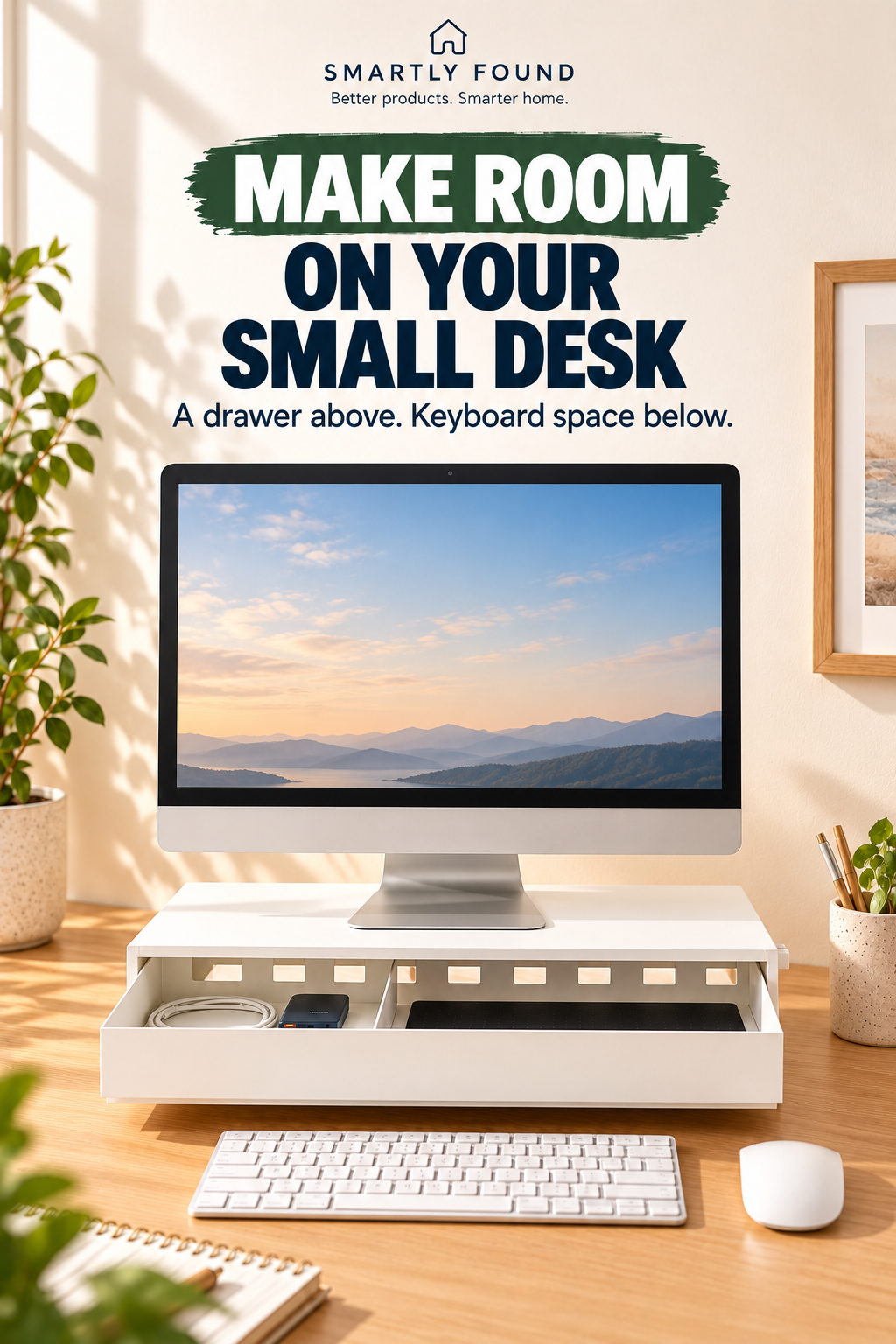
Yamazaki Monitor Stand with Drawer
Separates small desk essentials from the working surface by giving them a drawer below the monitor.
Before buying: Check monitor base size, total equipment weight, desk depth and the resulting screen height.
Consider an alternative: A riser is unnecessary if it raises your screen above a comfortable viewing position.
Check price on Amazon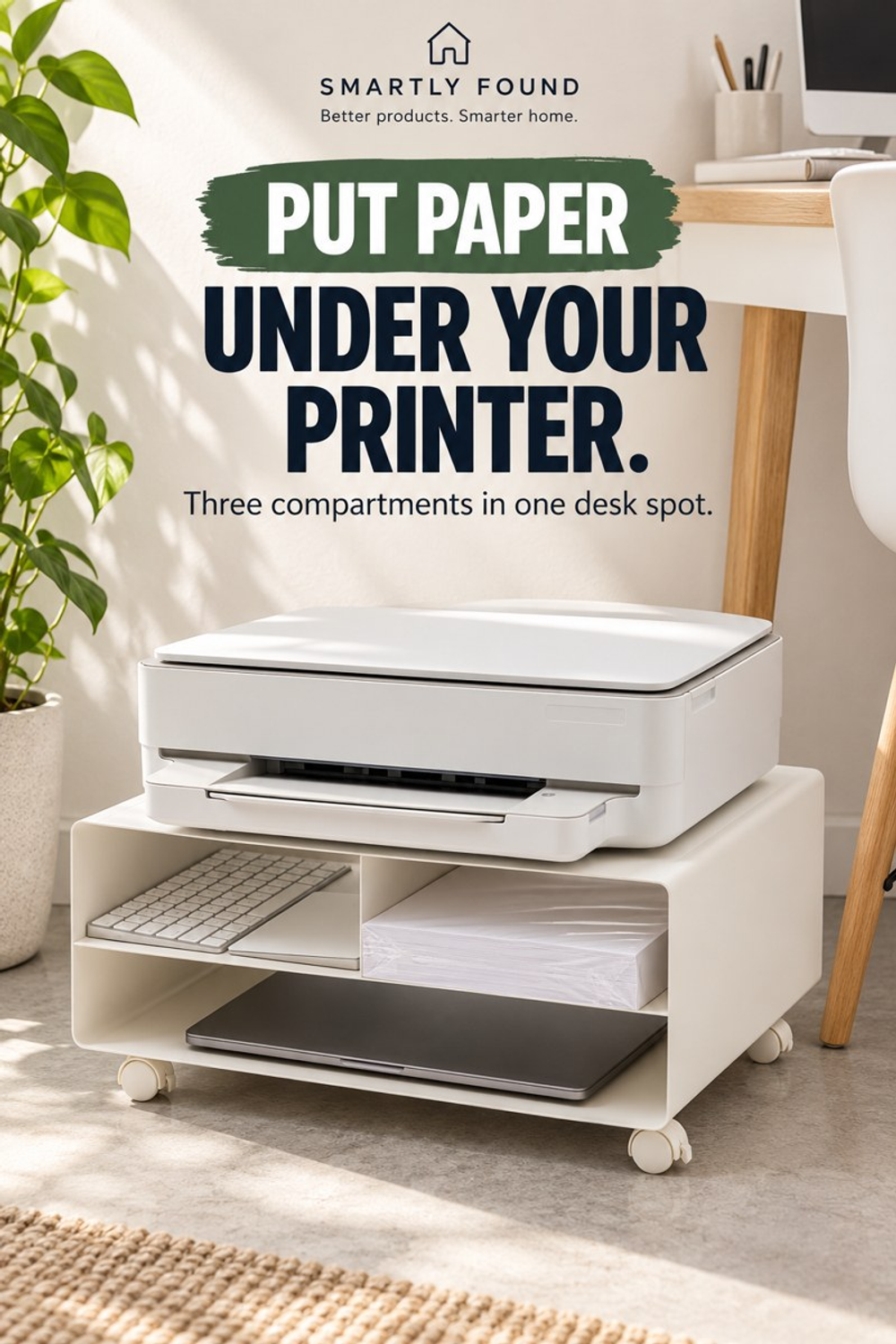
Yamazaki Desktop Printer Stand
Uses the area beneath a printer for paper and office supplies, keeping those items close to the equipment.
Before buying: Match printer base size and weight, paper-feed access, cable reach and the correct compartment layout.
Consider an alternative: Avoid it when the printer already fits a dedicated shelf or extra height would block access.
Check price on Amazon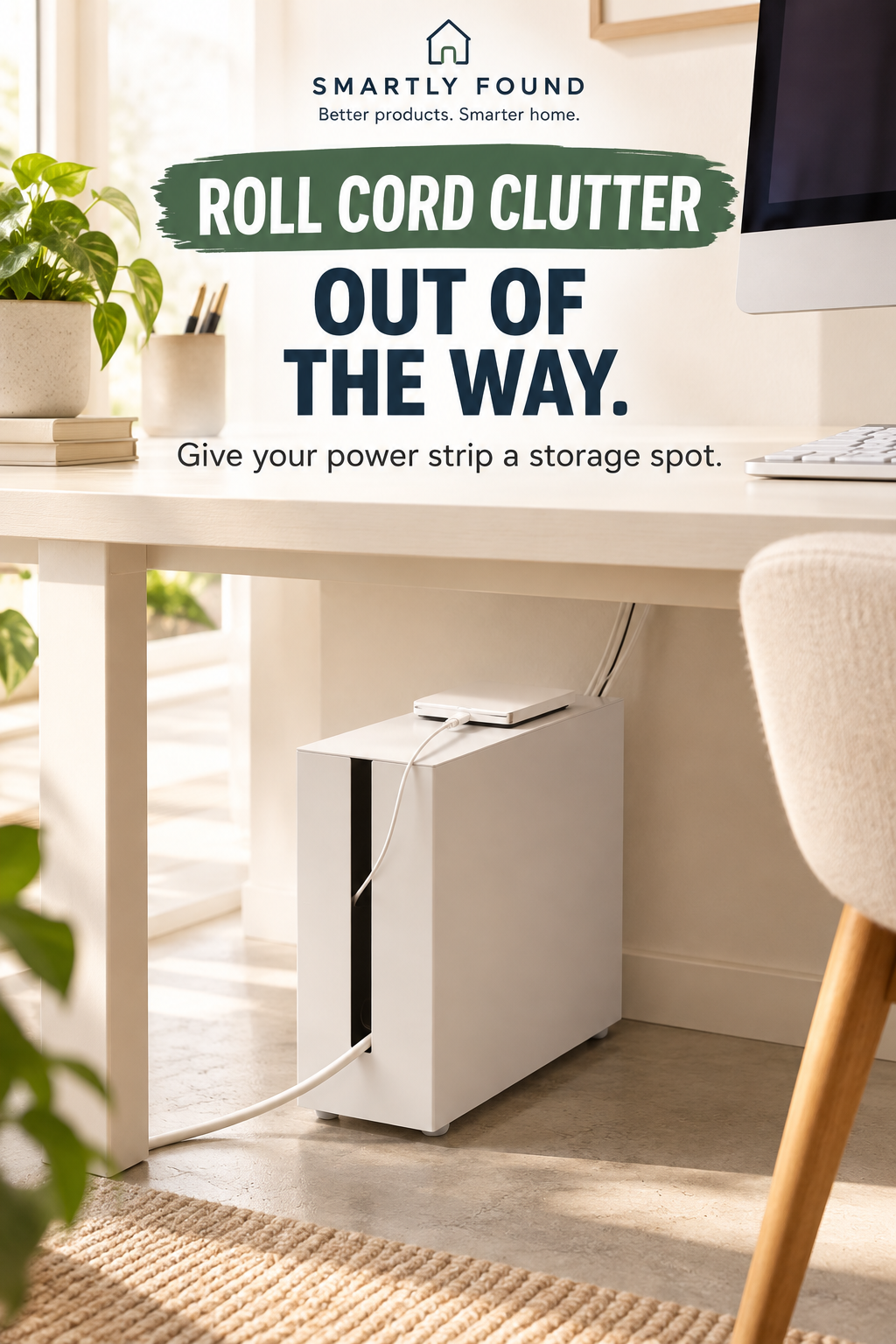
Yamazaki Rolling Cable Organizer
Provides a designated enclosure for a compatible power strip and loose cords under a desk.
Before buying: Check internal room, plug clearance, cable exits and the power strip manufacturer’s ventilation instructions.
Consider an alternative: A box cannot shorten cables or replace correct electrical installation; simple cable ties may solve a smaller problem.
Check price on AmazonQuestions before buying
Should I buy all three organizers?
Only if you have three separate problems and enough room. Start with the single change that improves your daily work most.
Can a monitor riser improve comfort?
It changes screen position. Check your seated viewing height first; storage benefits do not guarantee a better fit for your body or monitor.
What is the cheapest first step?
Remove occasional supplies and unused cables, then use an existing drawer for small essentials before buying more storage.
Sources and editorial approach
This guide uses product information and practical layout analysis. We have not hands-on tested these products. Images are AI-generated illustrative scenes; accessories, room arrangements and styling props do not establish what is included.